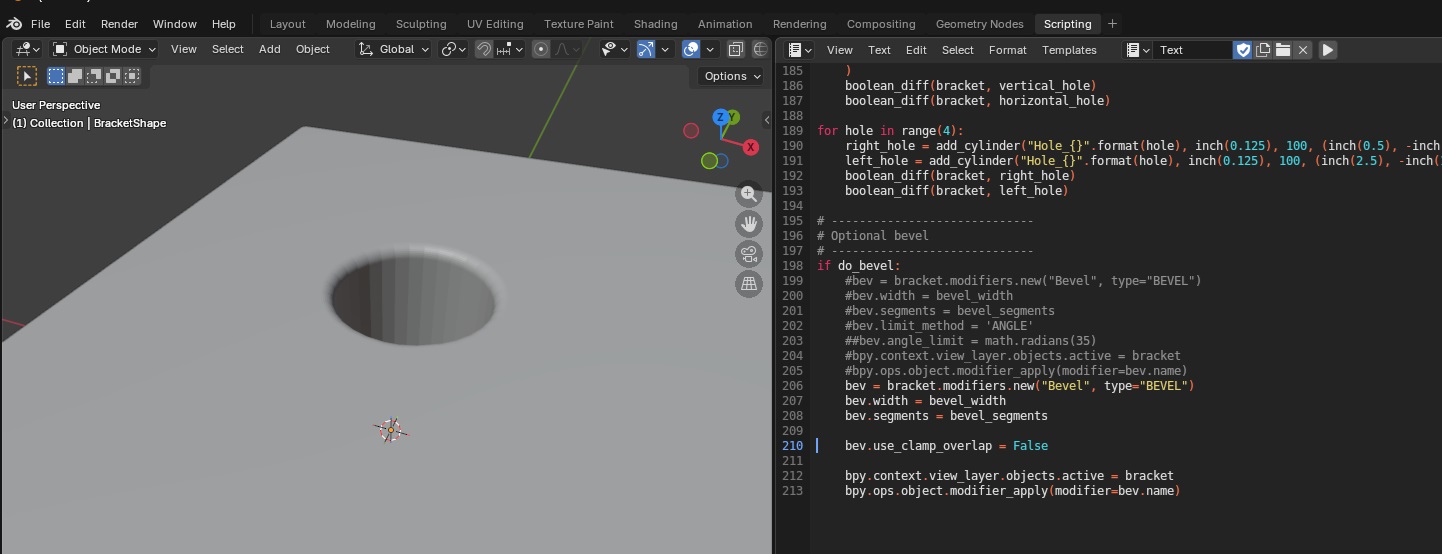
Another attempt to create a t-post bracket using a script. This creates a 2D rectangle, bends it, and then solidifies it into a 3d object.
import bpy
import bmesh
import math
from mathutils import Vector, Matrix

# -----------------------------
# Reset / clear scene
# -----------------------------
for obj in list(bpy.data.objects):
    bpy.data.objects.remove(obj, do_unlink=True)

# -----------------------------
# Scene units: mm (1 BU = 1 mm)
# -----------------------------
scene = bpy.context.scene
scene.unit_settings.system = 'METRIC'
scene.unit_settings.scale_length = 0.001

INCH_TO_MM = 25.4
def inch(x):  # returns mm (Blender units)
    return x * INCH_TO_MM

# -----------------------------
# Parameters
# -----------------------------
size_x_in = 3.0
size_y_in = 7.0
thickness_in = 0.25  # SOLIDIFY thickness

fold1_offset_in = 0.5   # from MIN-Y end
fold2_offset_in = 2.0   # from MIN-Y end

fold1_rad = math.radians(-80.0)
fold2_rad = math.radians(80.0)

subdivide_cuts = 60
EPS_Y = 1e-5  # mm tolerance for "on the fold line"

# -----------------------------
# Create flat sheet (plane)
# -----------------------------
bpy.ops.mesh.primitive_plane_add(size=1.0, location=(0.0, 0.0, 0.0))
obj = bpy.context.active_object
obj.name = "Bracket"
obj.dimensions = (inch(size_x_in), inch(size_y_in), 0.0)
bpy.ops.object.transform_apply(location=False, rotation=False, scale=True)

# Subdivide for clean fold lines
bpy.ops.object.mode_set(mode='EDIT')
bpy.ops.mesh.select_all(action='SELECT')
bpy.ops.mesh.subdivide(number_cuts=subdivide_cuts)
bpy.ops.object.mode_set(mode='OBJECT')

# Compute fold Y positions
half_y = inch(size_y_in) / 2.0
min_y = -half_y
y_fold1 = min_y + inch(fold1_offset_in)
y_fold2 = min_y + inch(fold2_offset_in)

# Add both fold lines
bm = bmesh.new()
bm.from_mesh(obj.data)

for y_fold in (y_fold1, y_fold2):
    geom = bm.verts[:] + bm.edges[:] + bm.faces[:]
    bmesh.ops.bisect_plane(
        bm,
        geom=geom,
        plane_co=Vector((0.0, y_fold, 0.0)),
        plane_no=Vector((0.0, 1.0, 0.0)),
        clear_inner=False,
        clear_outer=False
    )

bm.normal_update()
bm.to_mesh(obj.data)
bm.free()

# -----------------------------
# Re-open bmesh, store ORIGINAL Y per vertex
# -----------------------------
bm = bmesh.new()
bm.from_mesh(obj.data)
bm.verts.ensure_lookup_table()

orig_y_layer = bm.verts.layers.float.new("orig_y")
for v in bm.verts:
    v[orig_y_layer] = v.co.y

# ============================================================
# FOLD 1
# ============================================================
hinge_verts_1 = [v for v in bm.verts if abs(v[orig_y_layer] - y_fold1) < EPS_Y]
if not hinge_verts_1:
    raise RuntimeError("No hinge vertices found for fold 1. Increase subdivide_cuts or EPS_Y.")

hinge_point_1 = Vector((0.0, 0.0, 0.0))
for v in hinge_verts_1:
    hinge_point_1 += v.co
hinge_point_1 /= len(hinge_verts_1)

verts_to_rotate_1 = [v for v in bm.verts if v[orig_y_layer] > (y_fold1 + EPS_Y)]
rot1 = Matrix.Rotation(fold1_rad, 4, 'X')
bmesh.ops.rotate(bm, verts=verts_to_rotate_1, cent=hinge_point_1, matrix=rot1)

# ============================================================
# FOLD 2
# ============================================================
hinge_verts_2 = [v for v in bm.verts if abs(v[orig_y_layer] - y_fold2) < EPS_Y]
if not hinge_verts_2:
    raise RuntimeError("No hinge vertices found for fold 2. Increase subdivide_cuts or EPS_Y.")

hinge_point_2 = Vector((0.0, 0.0, 0.0))
for v in hinge_verts_2:
    hinge_point_2 += v.co
hinge_point_2 /= len(hinge_verts_2)

verts_to_rotate_2 = [v for v in bm.verts if v[orig_y_layer] > (y_fold2 + EPS_Y)]
rot2 = Matrix.Rotation(fold2_rad, 4, 'X')
bmesh.ops.rotate(bm, verts=verts_to_rotate_2, cent=hinge_point_2, matrix=rot2)

# Write back mesh
bm.normal_update()
bm.to_mesh(obj.data)
bm.free()

# -----------------------------
# Solidify AFTER folding
# -----------------------------
solid = obj.modifiers.new(name="Solidify_0p5in", type='SOLIDIFY')
solid.thickness = inch(thickness_in)  # 0.5"
solid.offset = 0.0                    # centered thickness (equal on both sides)
solid.use_even_offset = True
solid.use_rim = True

# Optional: keep object active
bpy.ops.object.select_all(action='DESELECT')
obj.select_set(True)
bpy.context.view_layer.objects.active = obj